
Product
A form platform for processes that matter.
For developers, agencies and operations teams. Use FormWork when a form has to calculate a quote, collect repeated data, go through review and approval, and keep working as the process changes. Build in the app or through your AI assistant with MCP.
Build
Forms with real rules
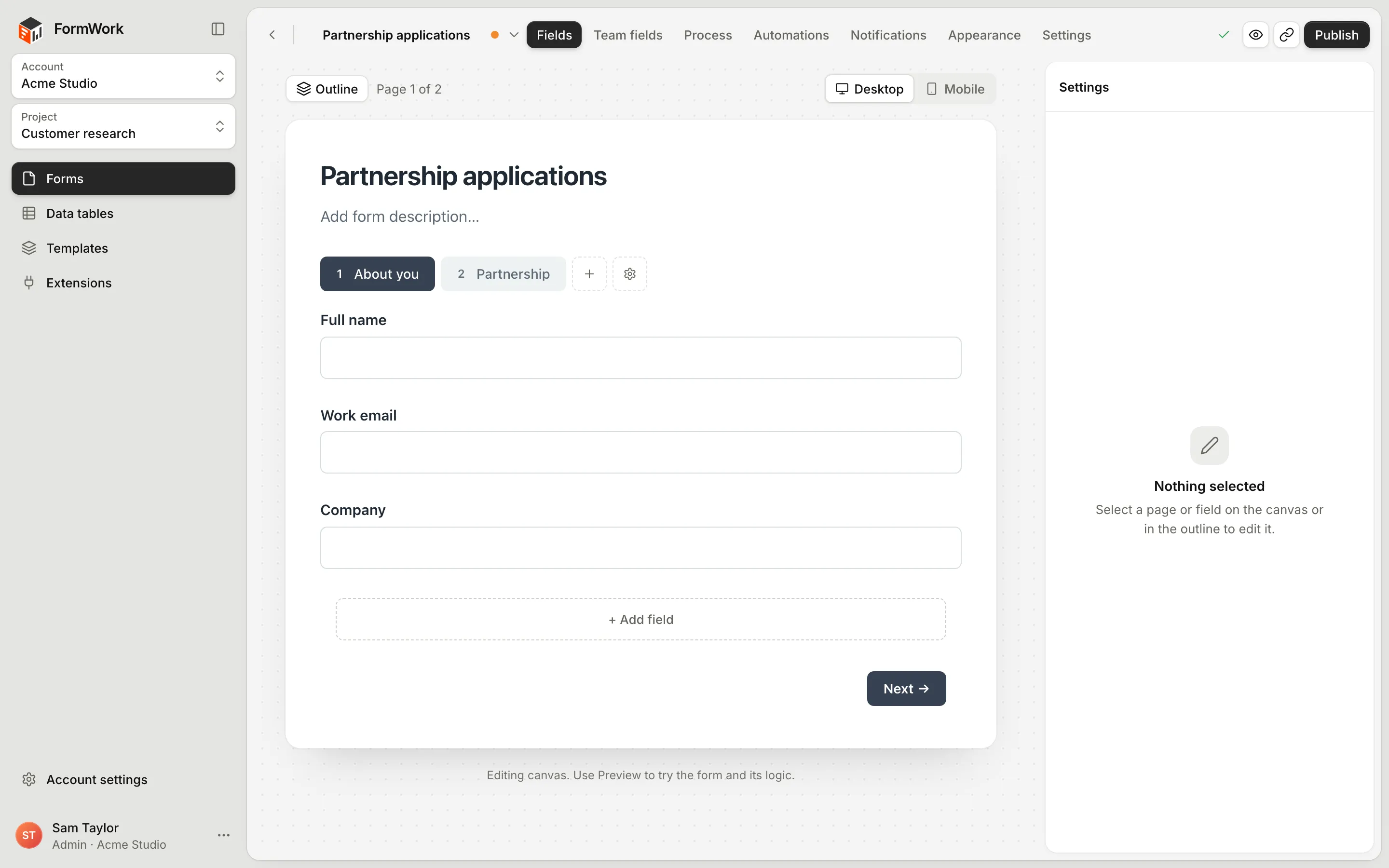
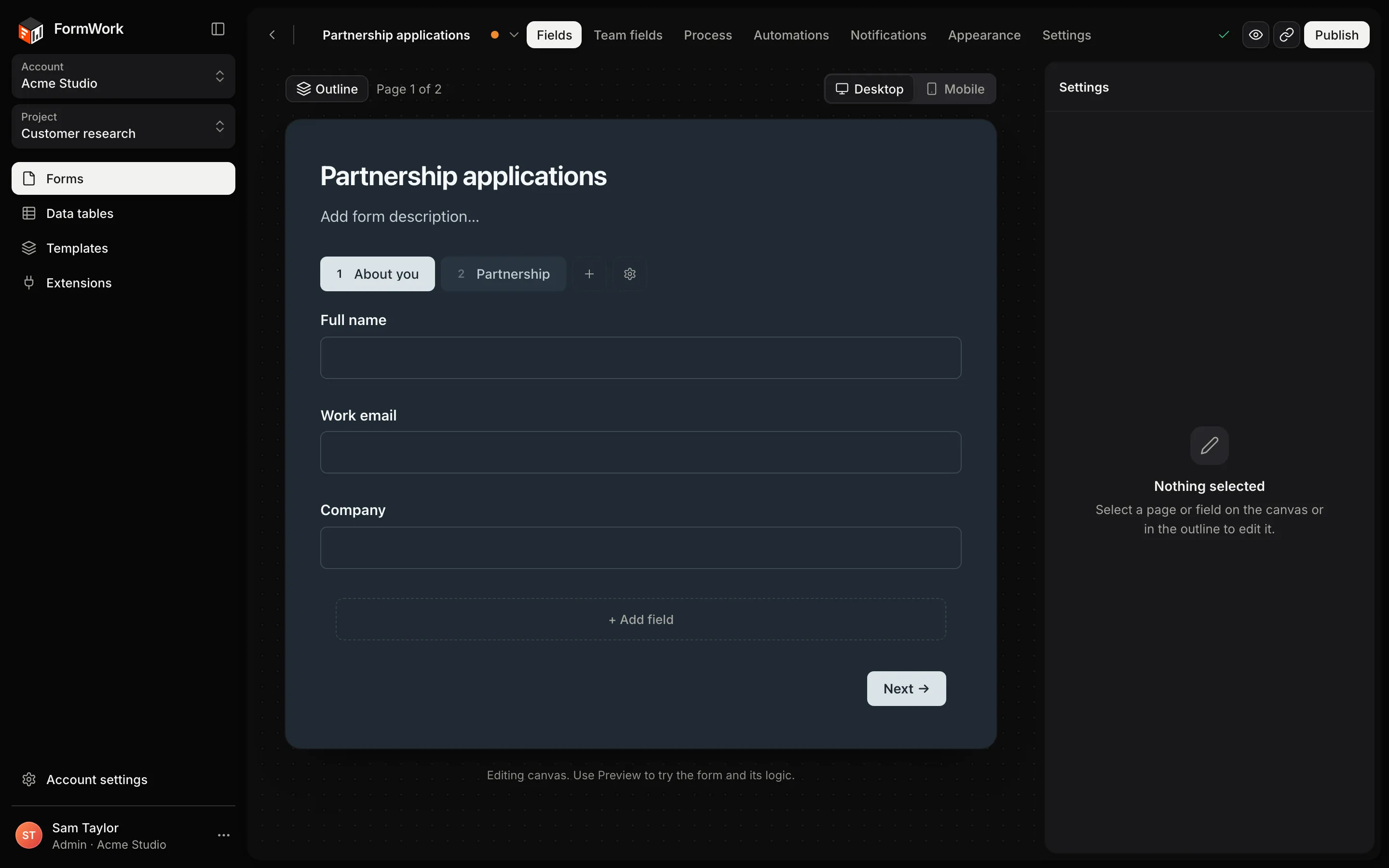
Build pages, groups and repeaters in a visual builder. Calculated values, conditions and validation run on the server as people answer, so your logic stays private and can’t be bypassed.
- 29 field types, from long text to signatures, plus payments with Stripe
- Repeating groups inside repeating groups
- Spreadsheet-style calculations and lookups from data tables
Run
A process for every entry
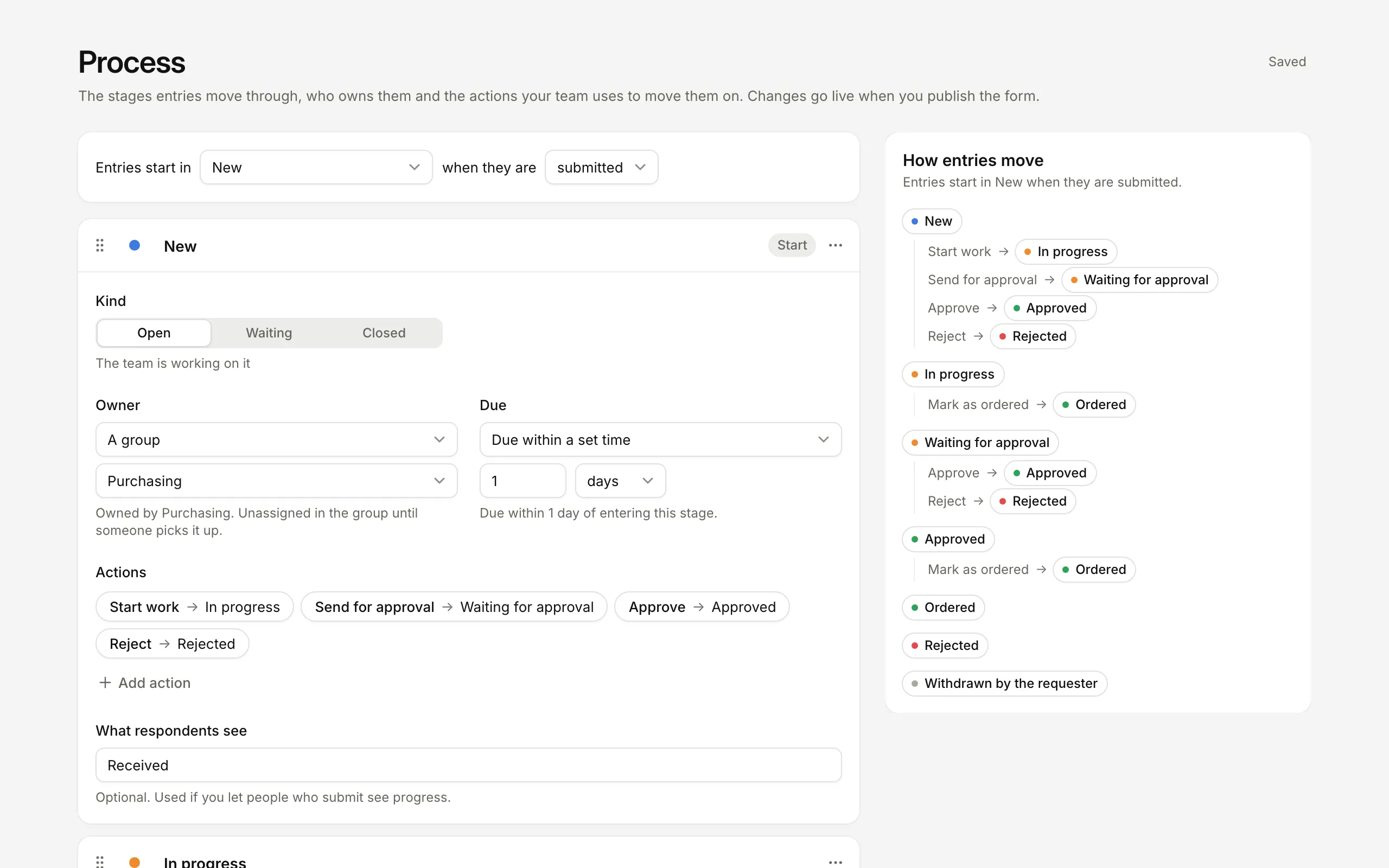
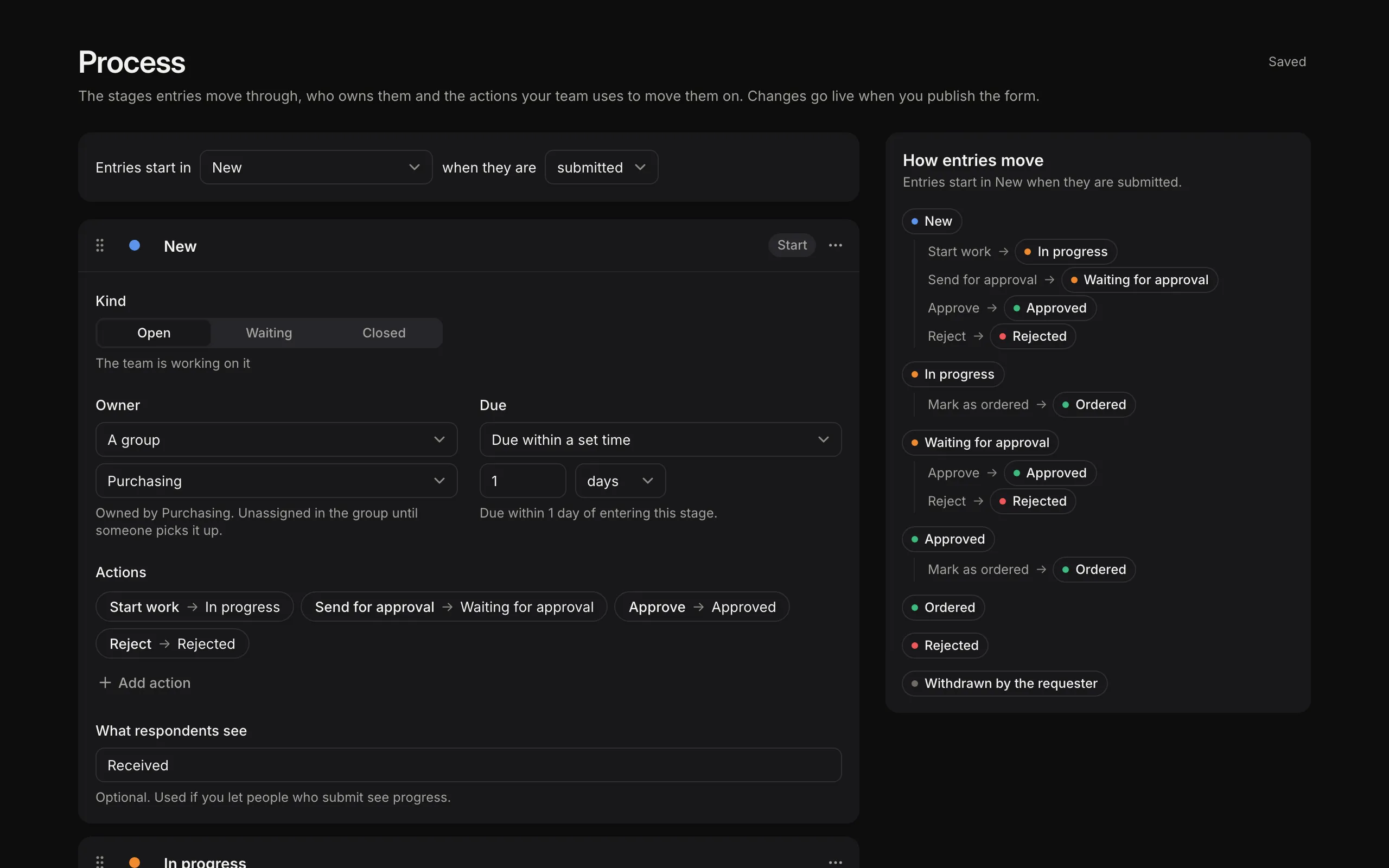
Set the stages entries move through, who owns each one and when it’s due. Your team moves entries on with actions such as Approve, and approvers can decide from an emailed link without an account.
- Owners can be a person, a group or the person in a team field
- Due times, overdue filters and a personal My work queue
- Optional status page so applicants can follow progress
Automate
Automations that read like sentences
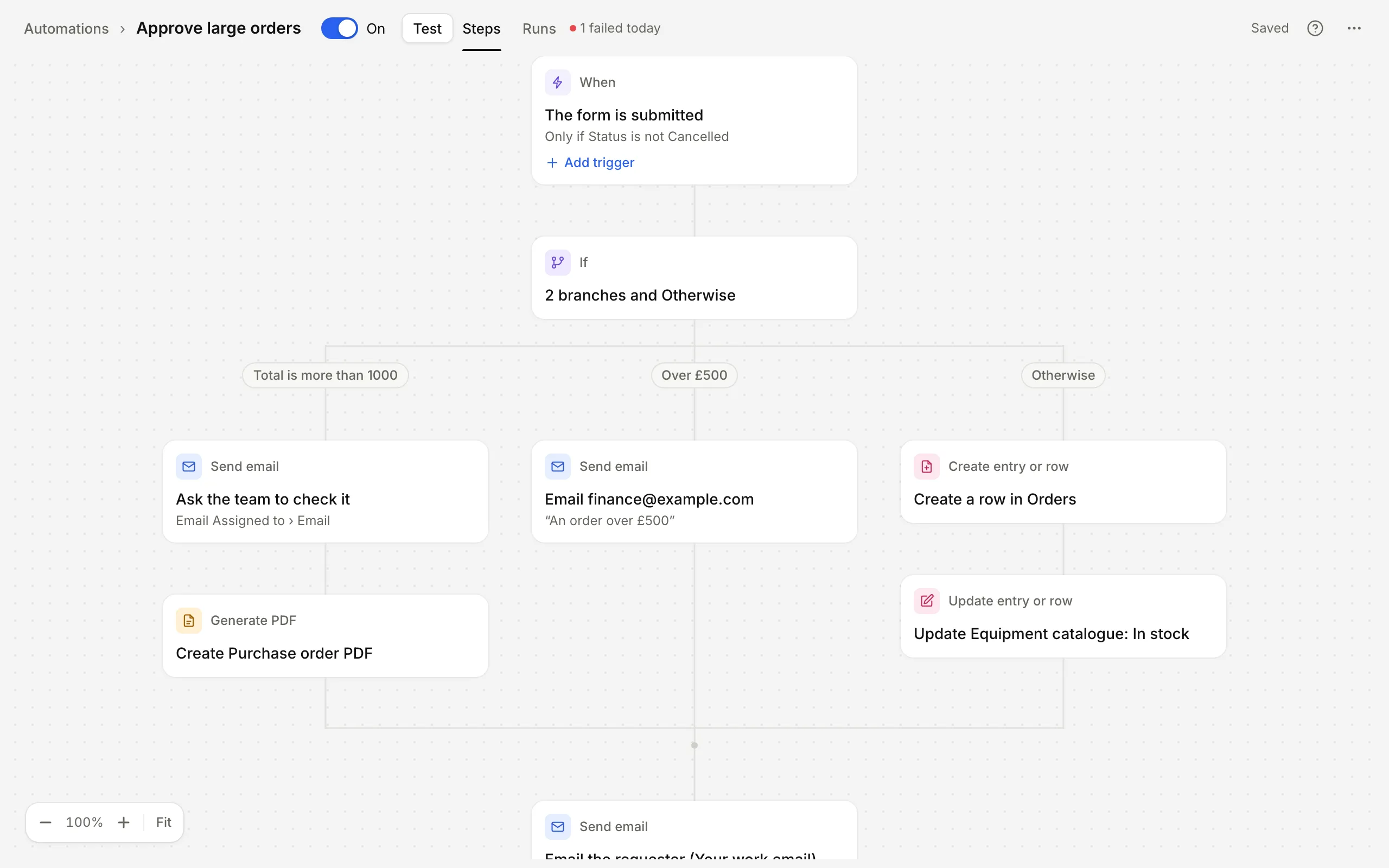
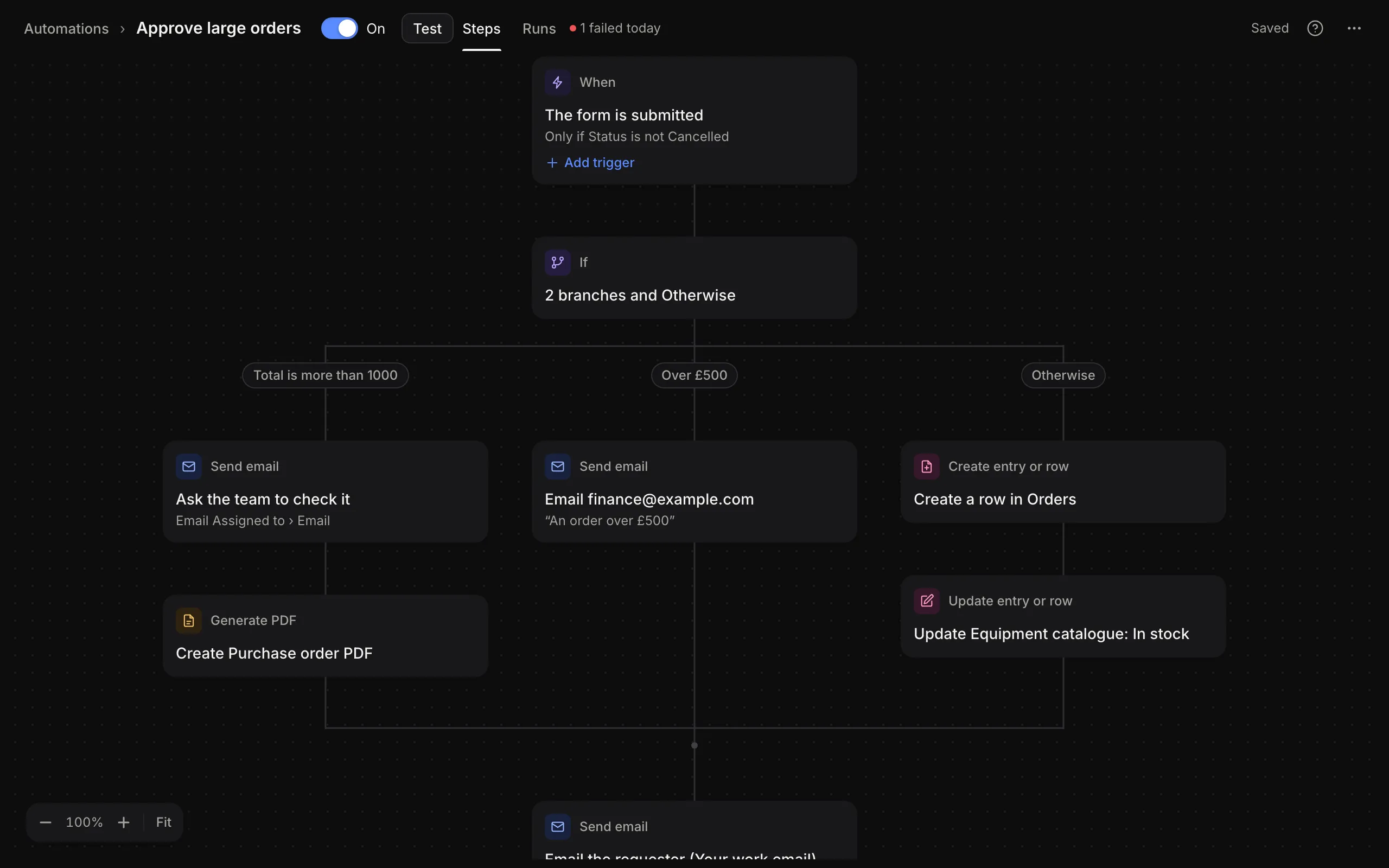
When something happens, run steps: send emails, create PDFs, update records, move entries between stages and call other systems. Branch with If and Switch, loop with For each, and wait for days when you need to.
- Triggers on submissions, answers, stages, approvals and schedules
- Every run is recorded step by step, with a Test mode
- Quick steps can run while someone is still filling in the form
Work
Every entry in one place
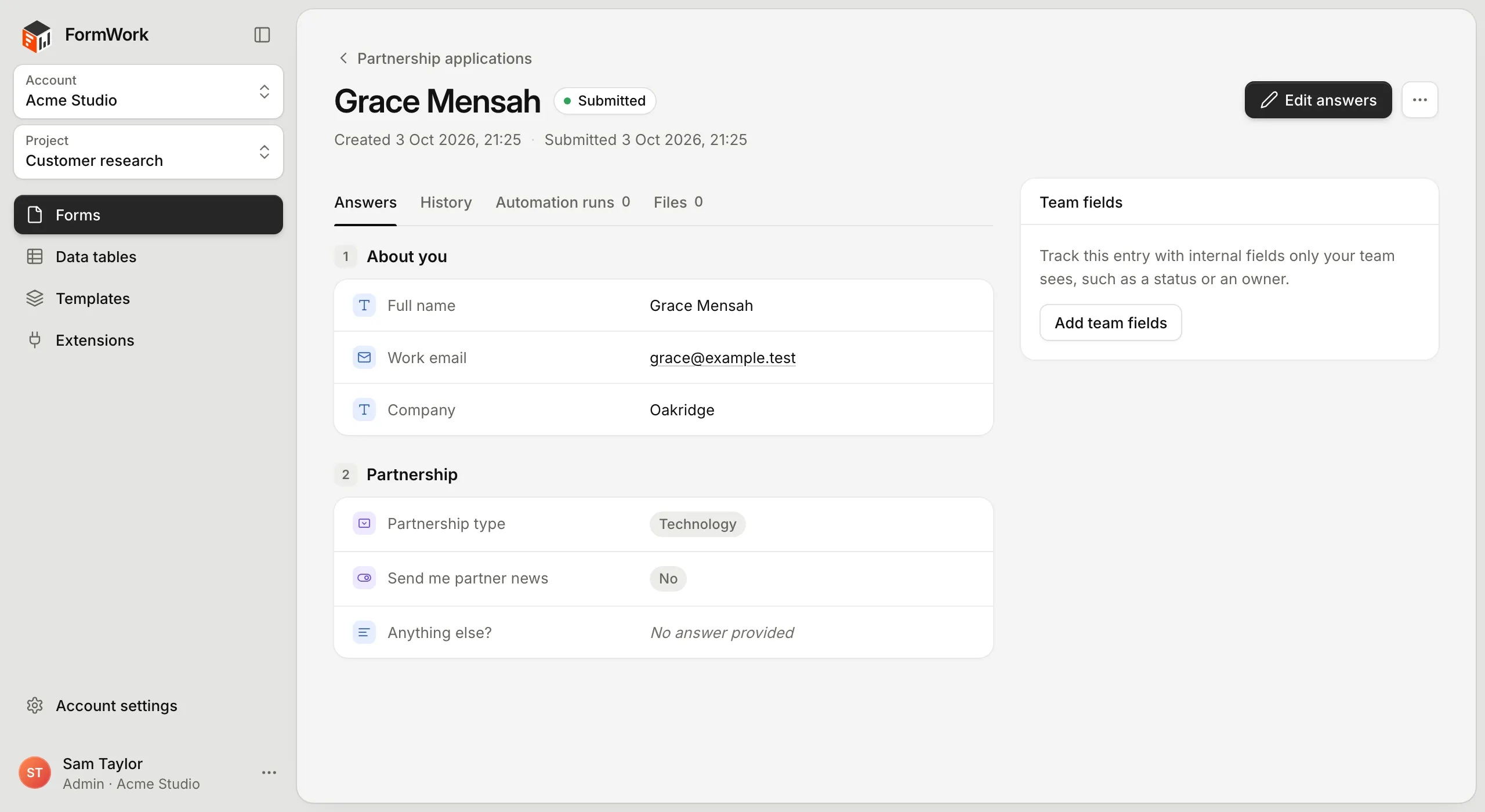
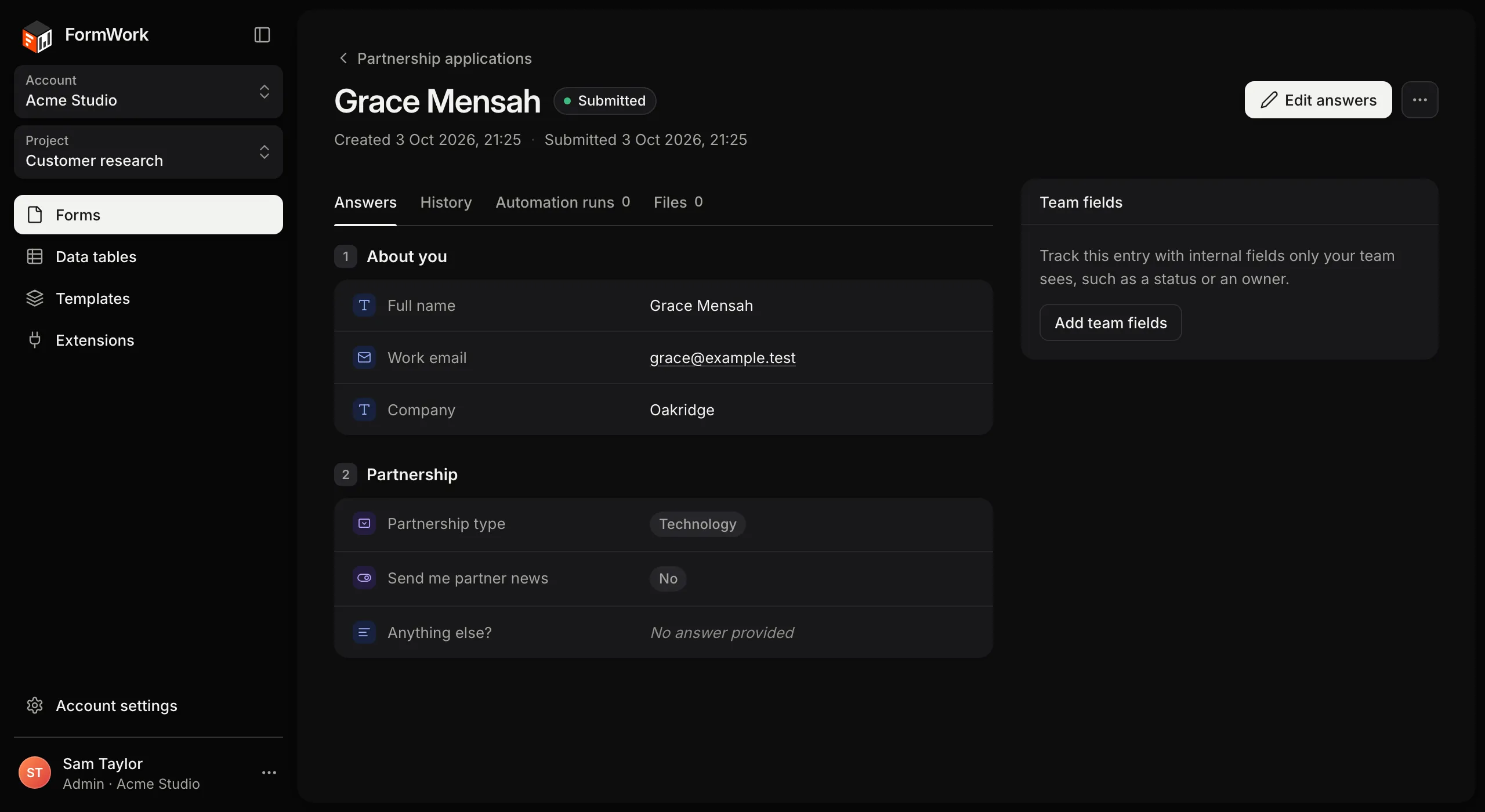
Open an entry to see its answers, stage, owner and approvals, edit internal team fields, and read the full history of who changed what and when.
- Saved views, filters and stage pills on the entries table
- Team fields respondents never see
- Import and export, files and revisions
AI assistants · MCP
From your conversation
to a working solution.
Bring the context already in Claude, ChatGPT or another MCP assistant. Build forms, data tables, approvals and automations on FormWork, then find entries, update records and keep the work moving from the same conversation.
Choose the accounts and projects it can access. Review changes before publishing and confirm bulk updates before they run.
Everything else
The parts every serious form needs.
Drafts and publishing
Change a live form in a draft, review exactly what will change, then publish. Answers keep the version they were given on.
Team fields
Internal fields on every entry, such as a priority or a reference number, that respondents never see.
Notifications
Email your team about new entries and send respondents a confirmation, without building an automation.
Share and embed
A link, embed code, a popup button and a QR code for every published form.
Data tables
Keep price lists, products and locations in one place and use them as options, lookups and records.
Templates
Reusable email and PDF templates for every form in a project.
Extensions
Take payments with Stripe and connect your own HTTP APIs as API connectors.
Theming
Match your brand with presets, colours and fonts, or style every detail with CSS variables.
REST API
Create entries, read results and manage forms from your own code, with a public OpenAPI specification.
Is it a fit?
Built for forms that start work, not just collect answers.
FormWork earns its place when what people answer has consequences. When it doesn’t, something simpler will do.
A strong fit when
-
Answers drive the outcome
Prices, eligibility and the next question depend on what people tell you, and the rules have to be right every time.
-
Someone has to act on each entry
Entries are reviewed, approved, assigned or followed up, and you need to know who has each one and how long it has waited.
-
The form keeps changing
Questions, rules and the process evolve after launch, and older answers still have to make sense.
-
The logic should stay with you
Pricing rules and checks run on the server, not in the browser and not in code you have to maintain.
Look elsewhere for
-
A quick survey or poll
If nothing happens after someone answers, a simple form tool is quicker to set up and cheaper to run.
-
Collecting answers offline
FormWork works out values and checks answers on its servers as people go, so forms need a connection.
-
Parallel tracks for one entry
Each entry is in one stage at a time. Several approvers on one stage covers most cases; separate tracks running side by side are not supported.
-
A fully bespoke application
If your team needs screens of its own design, build them on the REST API. You then own that interface, its sessions and its errors.
Weighing it up? Compare FormWork with other form builders, read the build-or-buy guide, see security and access, or talk it through with us.
Four ways to build
Use the app, your assistant, an embed or the API.
Build in FormWork
Create the fields, rules, process and automations in the app. Preview, publish and share a link.
Quick startBuild with your AI assistant
Use Claude, ChatGPT or another MCP assistant to build forms, data tables, approvals and automations, then find and update entries. Choose its access and review changes before going live.
Connect your assistantEmbed in your site
The formwork-form web component loads a published form on your page and can talk to your JavaScript.
EmbeddingBuild your own interface
Use the REST API for a headless build. You own the interface, sessions and errors; keep API keys on your server.
REST APIEvery feature, on every plan.
30 days free. No card needed. Plans differ only by usage.